
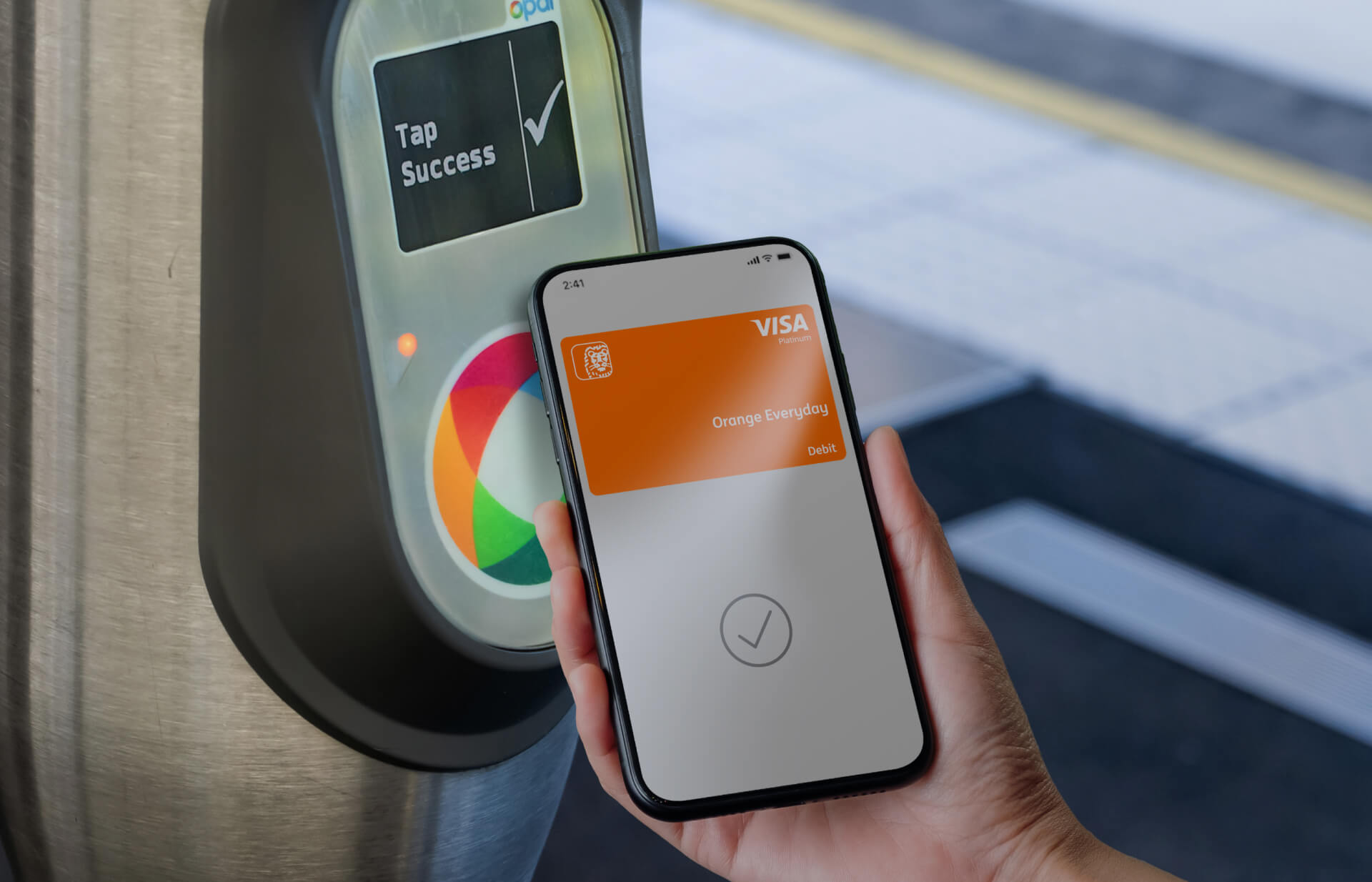

Tap into a smoother journey.
Use your ING card to ride the Opal network
Your ING card can take you places
Do you catch public transport in NSW on the Opal network? Well, you can say goodbye to topping up in the rush hour queue and tap into a smoother journey with your Orange Everyday or Orange One.
Better yet, use mobile payments (Apple Pay or Google Pay) and tap with your phone - no physical card or wallet required.
The same fares as a non-concession adult Opal card still apply if you tap on and off with the same card every time. If you're using a Concession or Child Opal card, stick with it - those discount fares aren't available when using your bank cards.
Visit Transport NSW for full details on using contactless payments for NSW public transport.
Swap your Opal for your ING card

Smart and simple
Your fares come straight from your account, so there's no prepaying or setting up auto top-ups. Tap on and a $1 pending charge will appear on your account. At the end of the day, your total will be calculated and the $1 released.

Tap on and off with the same card or device
Don't switch between your card and your mobile mid-trip. Opal readers register the card and mobile as different accounts (even if they're not), so tap on and off with the same card or device each trip to make sure you pay the correct fare.

Opal discounts on your ING card
Use the same card or device every time to make the most of any discounts, like a weekly travel cap. Opal readers register the card and mobile as different accounts. You'll be able to use your ING card instead of an Opal card almost everywhere, but unfortunately not for Park&Ride and On Demand services.

Watch out for card clash
Before you tap, separate your card or phone from any other cards. And don't tap your wallet.

Express Mode
Plus, when you enable Express Mode you can tap off faster without Face ID or waking up your phone.

One card per person
You can only tap on for one person with each card or device.
FAQs
We recommend you keep using your Opal card to receive your travel benefits.
Yes. You can use your linked device to pay your fare the same way as you would a retail transaction. Just make sure you use the same one to tap on and off.
They carry Opal readers and will be able to confirm you've tapped on by scanning your ING card, mobile or smart watch.
Visit transportnsw.info and complete a Contactless Transport Payments Reimbursement Form. Any refunds will be decided by Transport for NSW and returned to your account.